
💻 Device Repairs & Upgrades — (FAQ)
Welcome to the FixIT Computer & Tech Help Hub — where we answer your tech questions before your grandkid does (and without the sighing).
Browse by topic below, or just start clicking until something makes sense. That’s how we do it, too.
📍 Contact & Service Area – How do I reach FixIT?
📞 Phone/Text: (360) 775-7282
📧 Email: FIxIT Email Form
🌐 Help Request: http://www.FixITdamien.com (COMING SOON, quickest way to get in line)
💬 Top Asked & Customer Favorites
The crowd favorites. The “start here” section. The FAQs of FAQs.


Q: Is FixIT really just one guy with a screwdriver?
A: Technically, yes —but it’s not just any screwdriver. Think more Doctor Who and his trusty sonic screwdriver! One guy, a toolbox, and a mission to fix your tech like a Time Lord (minus the spaceship masquerading as a blue police box, and British accent).
Q: How do I get started with FixIT?
A: Choose if you want one-time support or to sign up for forever freedom from fretting about tech.
Reach out via Phone or Text (360) 775-7282
or email:
We’ll connect to schedule service — in-home or remote!
You can also fill out our support inquiry form. This action automatically puts your issue in line early. Otherwise, we will need to wait till we’re capable to get in contact to get you started.
We’ll send over any required paperwork (like waivers or contracts)
More Contact Information:
Q: Where are you located?
A: FixIT is a mobile and remote business, so we come to you. We don’t list a physical location, but we’ll give it privately if a drop-off needs to be arranged.
What areas do you serve?
We serve Port Angeles, Sequim, Carlsborg, and some of the greater Clallam County region on the Olympic Peninsula.
Q: How do I request support?
A: However you feel most comfortable!
📞 Phone/Text: (360) 775-7282
📧 Email: FixIT Email Form
[COMING SOON] You can also fill out our support request form online anytime — this automatically places your issue into our queue ahead of those who wait for us to manually create one during business hours.
We do manually create tickets during business hours if preferred.
Q: “What do you charge?”
A: Seniors & Veterans: $30 per half hour
Standard: $35 per half hour
Monthly plans: as low as $25/mo, with built-in support time & discounts
What payment methods do you accept?
Right now, we accept cash and check. Card and digital payments are coming soon as demand for it grows.
🧠 FixIT Help Hub
Welcome to the FixIT Computer & Tech Help Hub — where we answer your tech questions before your grandkid does (and without the sighing).
Browse by topic below or just start clicking until something makes sense. That’s how we do it, too.

💻 Device Repairs & Upgrades
When DIY first aid isn’t cutting it, we’ve got the tools.
Q: “My computer makes a noise like a dying squirrel—help?”
If your PC sounds like it’s auditioning for a nature documentary, that’s usually a fan or hard drive waving the white flag.
[Hear the full rodent-themed tragedy (and how I fix it).]
Q: “Can you fix my cracked phone screen?”
A: I fix screens so shattered, even the phones are embarrassed—and let’s be honest, you’re tired of pretending those spiderwebs are “just a scratch.” Cracks get worse fast, and so do those tiny glass splinters.
[See how I make your phone look (and feel) brand new again—without the judgment (or the giant repair bill).]
Q: “Is it worth upgrading my old laptop?”
A: If your laptop takes longer to boot than it takes you to make a cup of coffee and contemplate life, it might be time.
[Click to find out when an upgrade’s worth it—and when to gently push it into retirement.]
📡 Internet & Network Optimization
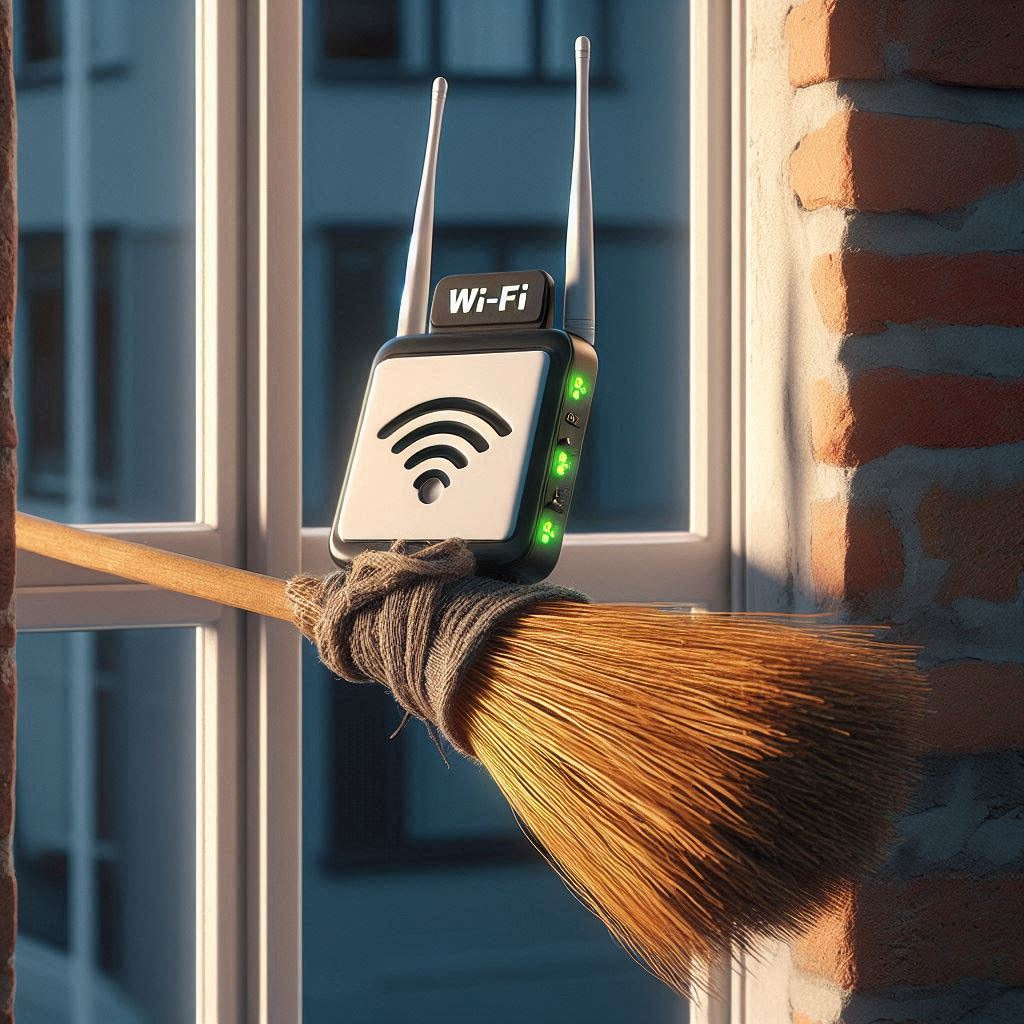
Improving your Wi-Fi without resorting to witchcraft or window brooms.
Q: “Why does the internet cut out in my kitchen?”
A: Because apparently Wi-Fi signals hate leftovers. Or more likely, your router’s doing its best from way too far away.
[Read how I tame rogue signals and bring the internet back to your snack zone.]
Q: “Can you make my internet not terrible?”
A: Yes. I speak fluent Wi-Fi and have tamed more bad signals than a haunted radio tower.
[Click here to see how I upgrade “buffering…” into actual functioning internet.]
Q: “What’s a mesh network, and do I need one?”
A:
It’s like a big Wi-Fi family that actually gets along—they work together so your internet stops disappearing every time you walk into the den.
[See if it’s time for a family reunion—Wi-Fi style.]

🖥️ Home Tech Support & Troubleshooting
Helping you avoid printer-related crimes since… well, now.
Q: “How do I update Windows without breaking everything?”
A:
If clicking “Update” makes you want to cross yourself and whisper a prayer, you’re not alone. I’ll make sure your computer stays in one piece—and doesn’t suddenly forget how to print, connect to Wi-Fi, or act like it’s possessed.
[Let’s update the safe, drama-free way.]
Q: Can you help me remotely?
A: Absolutely. Most fixes can be done without me ever stepping through your door—no tidying up or real pants required. It’s quick, secure, and saves you the stress of waiting days for help.
[See how easy it is to get tech help from your favorite chair.]
Yes! We use trusted tools like Chrome Remote Desktop or AnyDesk to connect to your device. You stay in full control during the session, and nothing is installed without your permission. Check out our Help From Home App. page to learn more.
Q: “My printer is on strike. Again.”
A:
If your printer’s staging a protest and refusing to cooperate, you’re not alone. I’ll negotiate with the paper tray, calm its wireless tantrums, and get it back to work—no picket signs required.
[Click here before you throw it out the window.]
Q: “Why is my computer so slow all of a sudden?”
A: It used to be zippy—now it’s thinking about every click like it’s solving a crossword. Whether it’s digital clutter, sneaky updates, or just old age creeping in, I’ll track down the cause and speed things up.
[Let’s give your computer its pep back.]
👉 Need help right away? Our one-time services are fast, affordable, and available without any long-term commitment.
👩💻 Home Office & Remote Work
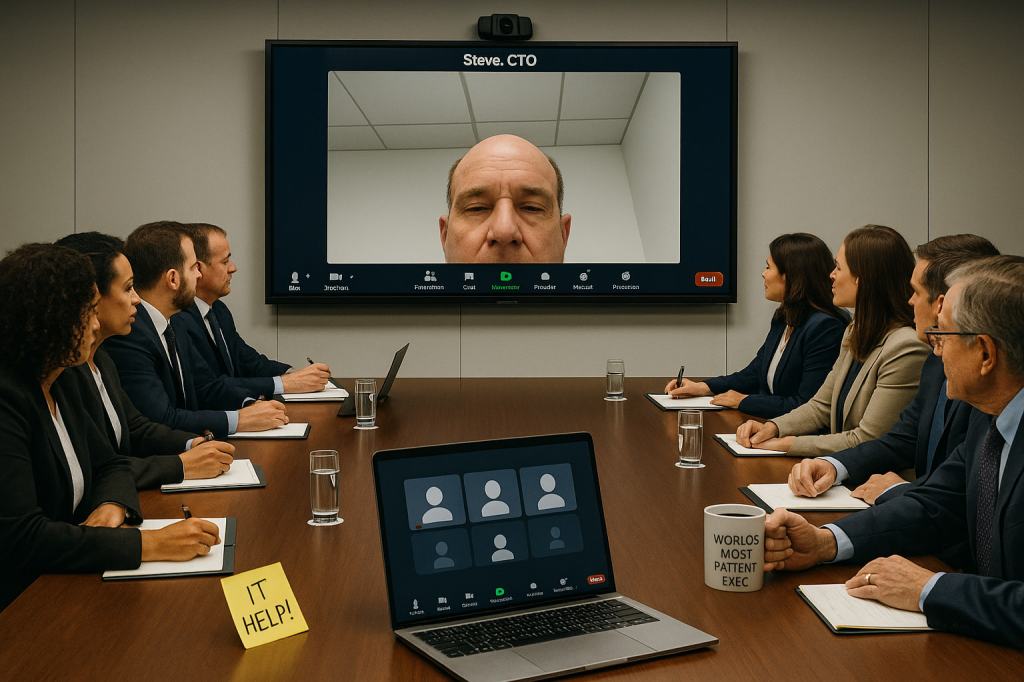
From “Work from Home” to “Work from Wi-Fi That Works.”
Q: “Can you set up my webcam and make me not look like a potato?”
A: Absolutely—no potato peeler required! I’ll adjust your lighting, camera angle, and maybe even toss in a flattering filter. No more mysterious blobs or double-chin cameos—just confident, clear video calls that help you look sharp and feel in control. Even your cat might be impressed.
[Let’s get you camera-ready.]
Q: “My meetings keep freezing—help!”
A: If your meetings look like ancient cave paintings instead of a live video, I’ve got your back. Let’s fix your tech so you’re live and not stuck in the Stone Age.
[Get back to modern day meetings.]
Q: “Why does my microphone sound like it’s whispering from across the room, and my headset might as well be underwater?”
Sounds like your mic and headset are having a secret meeting you’re not invited to. I’ll crack the code, so your voice comes through loud and clear—no more guessing games for your listeners!
[Let’s get your remote meetings sound sharp.]
Want it punchier or with more humor?

🏠 Smart Home & Security Setup
Keep your house smarter than your neighbor’s — and safer, too.
Q: “What camera system should I use for my porch pirates?”
A: Porch pirates beware—your days of sneaking off with packages are numbered! Whether you want a simple setup or a smart system that alerts you faster than you can say “Gotcha!”, I’ll help you pick the perfect camera to keep your doorstep safe and your deliveries intact.
[Find out how to protect your porch like a pro.]
Q: “Will you install Wyze or Reolink?”
A: You bet! Whether you pick Wyze, Reolink, or something else, I’ll handle the setup so you don’t have to wrestle with confusing apps or tangled wires. Think of me as your personal security sidekick—minus the cape, but with all the tech skills.
[Ready to make your home smarter and safer?]
Q: “Q: Can I control my smart home devices when I’m not at home?”
A: Totally! Whether you’re lounging on a beach or hiding from your neighbor’s endless chat, you can boss your smart home around from anywhere. Lights, locks, cameras — all obey your remote commands like the well-trained minions they are.
[Learn how to be the smart boss of your smart home.]

🧓 Training & Personalized Help
Tech storms don’t scare me — I’ve had my session!
Q: “Can you help me learn my phone without rolling your eyes like my kids?”
A: Yes—and I’ll even throw in a smile that’s not sarcastic. At FixIT, we offer training with zero judgment, plenty of patience, and not a single “OK Boomer.” Whether you’re figuring out apps, texting without typos, or just trying to make the darn thing stop beeping—we’ve got your back.
Want more helpful answers without the sarcasm? [See the full FAQ here.]
Q: “Do you teach Zoom, Facebook, and whatever app my family uses now?”
A: Yes, and we promise not to sigh dramatically while doing it. Whether your kids are on Zoom, your grandkids are on Instagram, or someone’s trying to get you into a group chat on an app that sounds like a breakfast cereal—we’ll walk you through it step-by-step. No jargon, no judgment, and no calling it “The Facebook.”
Because you shouldn’t need a teenager on retainer just to say hello.
Want more examples of what we cover? [Click here for the full FAQ.]
Q: “Is this session one-on-one, or will others see me panic?”
A: Totally one-on-one—just you, me, and whatever tech gremlin we’re wrestling. No audience, no spotlight, and absolutely no tech-savvy grandkid judging from the sidelines. You can ask anything, repeat steps five times, or even declare war on your phone. I’m here for it.
Because learning should feel like support, not stage fright.
[Want to see what else we cover? Click here for the full FAQ.]

💬 Monthly Support Plans
Because your time is better spent doing literally anything else…
Q: “Is it OK if I write down my tech questions in a notebook and ambush you once a week?”
A: Absolutely. Whether it’s a running list in a notebook, sticky notes on your desk, or questions shouted from across the room—I’m here for it. The monthly plan means you get ongoing support, even if it comes in batches titled “Weird things my tablet did this week.”
Q: “What’s included in the plans?”
A: Each plan includes free monthly support time, priority scheduling, and discounted hourly rates — making them a great option for tech-tired seniors, small business owners, or anyone sick of confusing surprise tech bills.
🧑🏫 Bonus: That free support time can also be used for personalized tech tutoring — so you can finally master your devices with confidence.
Don’t wait to save, start here today: Peace of Mind Plans
Q: “Do your support plans require a contract?”
A: Yes — but only once. There’s a one-time, 3-month minimum required for new customers. This helps us keep our plans affordable and prevents misuse of deeply discounted support.
📚 Our monthly plans even include time that can be used for tutoring — so you can learn to use your devices with confidence.

🏢 Small Business IT Support
Because you didn’t start your business to become your own tech department.
Q: “Why does my computer decide to take a coffee break right when i need it most?”
A: Ah, the classic “perfect storm” timing of computers. It’s like your PC knows when deadlines loom and decides, “You know what? I need a nap.” Usually, it’s a mix of background updates, memory overload, or sneaky software running wild. Lucky for you, I’m like the IT barista who gets your system brewing smoothly again—no caffeine required.
Because your business deserves tech that works as hard as you do.
[Curious about more business tech magic? Check out the full FAQ.]
Q: “Can you secure my Wi-Fi, backup my files, and untangle my cords?”
A: We sure can—and we’ll do it without judging your “creative” cable management choices. We’ll turn your Wi-Fi from “maybe it works” to Fort Knox, save your files from digital doom, and turn that spaghetti mess of cords into something that wouldn’t scare off a fire marshal.
Peace of mind, fewer trip hazards, and no judgment—just results. [Full FAQ →]
Q: “Can you rescue my email from the mysterious black hole of “Inbox Zero?”
A: Inbox Zero sounds great—until your emails start playing hide-and-seek in folders you forgot existed. I’ll help organize, secure, and tame your email chaos so you can find that one important message without needing a search party. Bonus: no actual black holes involved.
Because your emails should be helpful, not Houdini.
[Want to dive deeper? Full FAQ here.]

📦 How It Works / Pricing / Policies
Everything you’d ask us on the phone—minus the hold music and small talk.
Q: “What’s your no-fix, no-labor fee guarantee?”
A: Simple—if I can’t fix your tech problem, you don’t pay for labor. No surprises, no “just because” fees. I believe in earning your trust, not charging you for attempts gone sideways. Parts might still cost something if they were used, but labor? Only if we get the job done.
Because tech support should feel like a win-win, not a gamble.
[Want all the fine print? Click here for the full policies FAQ.]
Q: “How much do home visits cost?”
If you’re within about 10 miles of Agnew (covers most of both Port Angeles, and Sequim) I’ll come fix your tech trouble without charging extra for travel—because neighbors help neighbors, right? Beyond that, there’s a small travel fee that covers gas and maybe a coffee bribe. After all, even tech wizards need fuel.
Because fixing your stuff shouldn’t feel like a road trip expense.
[Curious about all the travel zones? See the full policy here.]
Q: “Do I have to sign anything scary before a repair?”
A:
No scary contracts here—just a simple waiver to keep things clear and comfy. Think of it like a pinky promise, but on paper. It’s there to protect both of us and make sure everyone’s on the same page before I dive in.
Because tech repairs shouldn’t feel like signing up for a secret society.
[Want to see what you’re signing? Check out the full policies FAQ.]
💡 Bonus Sections (For Browsers, Bargain Hunters, & DIY Daredevils)

🧰 DIY Fixes & Quick Wins
For the brave souls who want to try it themselves (with our help, not duct tape).
Q: How many times should I turn it off and on before I give up?
If turning it off and on was an Olympic sport, you’d already have a gold medal. But when do you stop? When it starts smoking.
➡️ Need a troubleshooting game plan that doesn’t involve guesswork? [Click here to see more DIY wisdom…]
Q: Is duct tape a valid tech repair tool, or should I stop now?
Technically, yes—if your goal is to get laughed at by future archaeologists.
➡️ For repairs that won’t end up in a museum exhibit, [here’s the smarter route].
Q: Can I use my toaster to dry out a wet phone? (Spoiler: No.)
Unless you want a phone that’s toasted in more ways than one, keep it far from the toaster.
➡️ We’ve got safer ways to dry your device—[click for the soggy survival guide].

🔁 Repair or Replace?
The million-dollar question: Keep it or kick it?
Q: My laptop’s slower than dial-up on a rainy day. Should I fix it or fire it?
A: If your laptop is moving slower than molasses in a snowstorm while multitasking with a carrier pigeon, don’t panic—yet. Sometimes it just needs a little digital de-junking or a solid-state upgrade to bring it back from the brink.
But if it’s older than your favorite pair of slippers and still running Windows Vista (bless its heart), it might be time to give it a graceful retirement. We’ll help you decide if it’s worth a tune-up… or just worth letting go.
Find out if your old clunker deserves a second chance—or a Viking funeral. [Read the full FAQ →]
Q: My phone’s been dropped more times than a bad habit. Is it time to say goodbye?
A: Cracks, ghost touches, battery life that lasts shorter than your attention span? We’ve seen it all. Sometimes a screen replacement or new battery can breathe life back in. Other times… it’s basically held together by hope and expired rice from the last time you dropped it in the sink.
Bring it in—we’ll give you an honest take, no pressure. (And yes, we’ve worked on phones that look like they lost a bar fight. You’re not alone.)
Let’s figure out if it’s fixable—or officially past its expiration date. [Read the full FAQ →]
Q: My desktop still technically works, but it sounds like a lawnmower. Is it worth saving?
A: If your computer’s fan sounds like it’s about to take flight or launch into space every time you open a browser tab, don’t assume it’s a goner. It might just need a cleaning, a cooling fix, or to finally retire that 2007 hamster-wheel hard drive.
But if the casing’s brittle, the ports are finicky, and it needs more band-aids than performance boosts… well, we’ll help you weigh your options before you throw it out—or accidentally roast marshmallows over it.
Before you send it off to Silicon Heaven, let’s see if it’s got a few good years left. [Read the full FAQ →]
🧰 Services Offered
What kinds of tech help do you provide?
We handle a wide range of tech issues, including:
Computer troubleshooting & repairs
Printer setup & network issues
Device setups (phones, tablets, routers, etc.)
Software installs & virus removal
Security camera & smart home installs
Cracked phone screens (see waiver note below)
Monthly support plans for peace of mind
And more
📦 Whether it’s a quick fix or regular tech help, FixIT has a plan to fit your needs and budget.
Check out our one-time support page: “FixIT Now”
We also offer Peace of Mind Plans: “Peace of Mind Plans”
And we offer: “Home Security & Smart Tech Setup”

🛑 What We Don’t Do
Just so we’re all clear…
- We don’t fix microwaves, toasters, or your cable box.
- We don’t work on tribal land or install spy gear.
- We won’t argue with your grandkids about why you don’t use iCloud.
- We don’t install toilet cams or anything else creepy.
 FixIT Computer & Tech – Located between Port Angeles & Sequim, WA